eFG
61
Tag your own plays, build a college-ready reel, send one link. ScreenAssist is the pro film room — the same caliber of analysis D1 programs build for their athletes, owned by the player and open to the coaches and trainers in their corner.
Every part of the pipeline is yours: the tags, the stats, the reel, the profile, the link. Nothing is locked to a club or coach.
Open the film, hit the keys: 2pt, 3pt, assist, foul. No editor. No coach login. No team account. About 5 minutes per quarter.
FG%, eFG, true shooting, plus/minus, shot chart, quarter-by-quarter splits. The kind of breakdown you used to need a college program to see.
Where you score. Where you turn it over. Why your 4th quarter looks different. Surfaced automatically, in plain English.
Picks your best plays automatically. Trims them. Scores them with music. Watermarks them. One click. The same caliber asset a $200/game editor produces — without the editor.
A clean public profile with stats, reel, and tagged plays. Send it to college coaches, scouts, family — or anyone. Your profile, your account, follows you when you change clubs, schools, or coaches.
Run all 5 steps on your first game — free.No credit card · ~5 minutes per quarter · works on any film
Join the waitlistMost AI tools fail on the film players actually have. Bleacher iPhone clips, AAU livestreams, that grainy folder of last season's mp4s. ScreenAssist doesn't need clean overhead footage — you tag what matters and the math takes it from there.
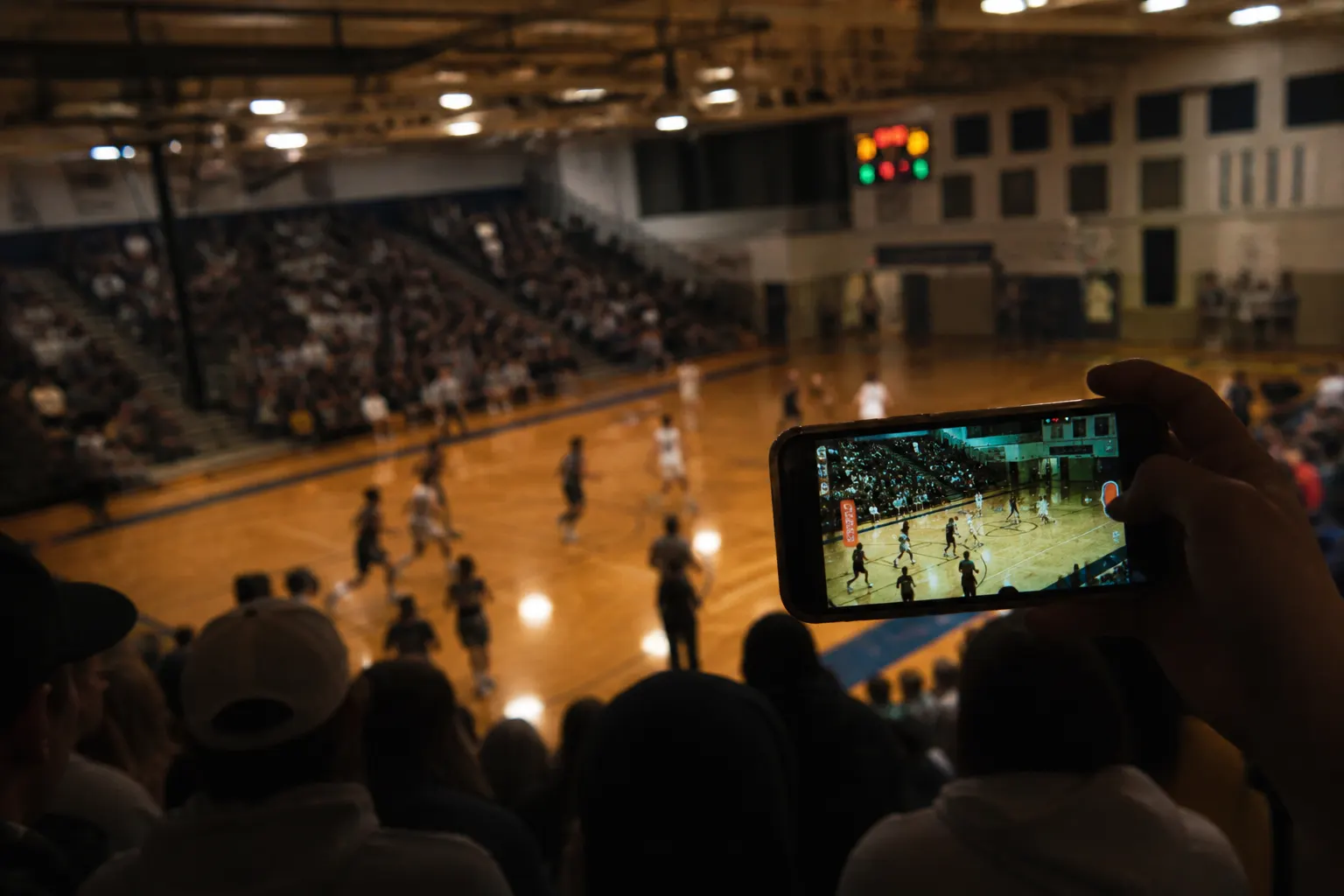
Wobbly, zoomed, half the rim out of frame. ScreenAssist doesn't care.
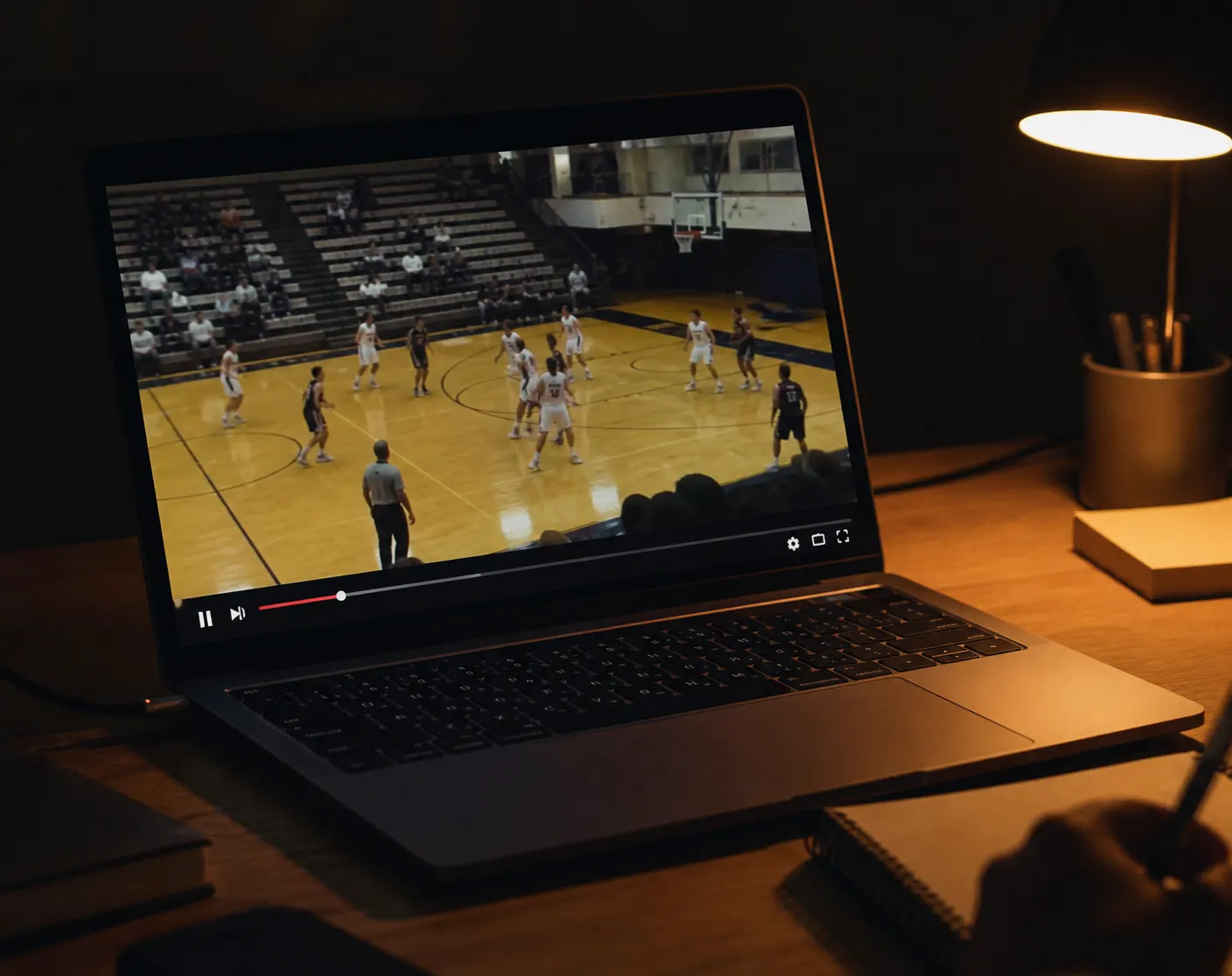
Pull the livestream down, drop the mp4 in. ScreenAssist tags whatever your camera caught.
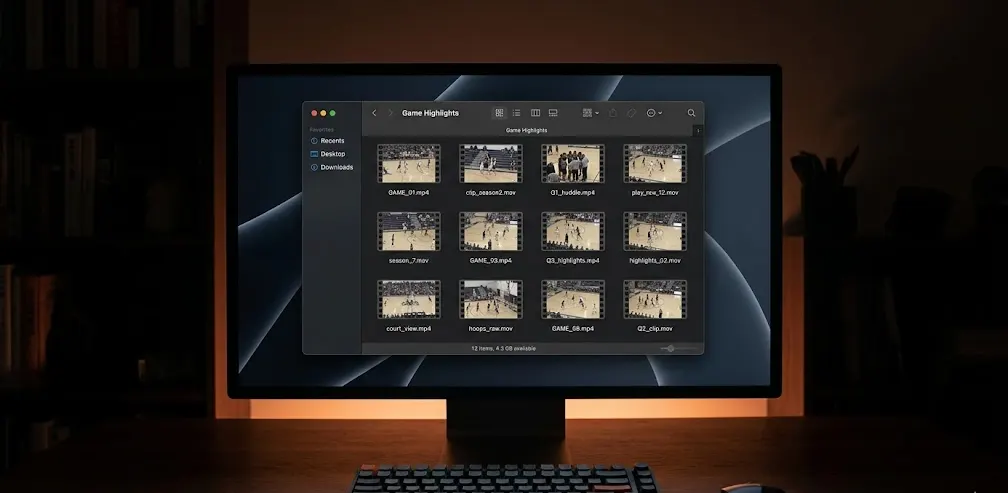
Drag in any video file. Build a profile that covers the whole season.
Drag in your first game film.Phone clip, livestream link, or old mp4 — bring whatever you've got
Join the waitlistParents, coaches, trainers — you help players get seen. Here's the toolkit you can hand them, without the team subscription, the camera, or the editor invoice.
Your kid gets a college-grade reel and recruit profile from your existing film — no $400 camera, no team subscription, no editor on retainer. The profile travels with them through every club, school, and coach.
You help players get seen — so do we. Hand your athletes a toolkit that works on the film you already shoot, auto-builds the reel that would otherwise eat your weekend, and gives them the recruit profile that actually moves the needle.
Hand the toolkit to a player you help.Free for the player · zero per-seat licensing · no team setup
Join the waitlistA few of the players already running ScreenAssist on their own film. Their reels, their accounts, their words.
Build the profile you'll send to coaches.Free public profile · custom URL · works in any browser
Join the waitlistScreenAssist is a self-service basketball film room for individual players. You upload or link any game film, tag your own plays in a few minutes per quarter, and ScreenAssist instantly generates advanced stats, pattern insights, an auto-built highlight reel, and a public recruit profile you can send to college coaches. It's the same professional toolkit D1 programs build for their athletes — owned by the player, priced like a streaming service.
No. ScreenAssist works on whatever film already exists — your parent's phone, the club's livestream, an old folder of mp4s, a Hudl export, even a YouTube link. We don't sell hardware and we don't need clean overhead footage.
Hudl is built around teams — the coach owns the account, the games, and the clips. ScreenAssist is built around the player. Your account, your games, your reel, your profile, your link. It works on any film source, including footage that was never on Hudl. You don't need your coach to set anything up, and your profile follows you when you change clubs or schools.
GameChanger profiles and clips are tied to a coach-run team account. If your coach doesn't use it, or you change clubs, your data goes with the team. ScreenAssist profiles are player-owned: pull film from every team you've ever played on into one continuous recruit profile.
ScreenAssist is self-tagging first. AI computer-vision tools work on clean overhead footage but fail on the bleacher iPhone clips and AAU livestreams most players actually have. You tag while you watch — usually 5–7 minutes per quarter — and you control what counts as a play. AI-assisted features (scoreboard OCR, clock-first auto-tag) layer on top of self-tagging, never instead of it.
Yes. Your account, your games, your reel, your profile link — all yours. Unlike GameChanger, Hudl, or platform-tied tools, nothing about your ScreenAssist presence is owned by a coach, club, school, or recruiting middleman.
College coaches told us the same things over and over: lead with your best play, keep it under three minutes, label each clip with game and time, show variety (not just one move), and pair the reel with verifiable stats. ScreenAssist's auto-built reel hits all of these by default — picks your best plays automatically, trims them, sets the order, watermarks, and links the reel back to the stat lines that produced it.
Yes — and many do. The typical pattern: the coach invites the athlete to create a free ScreenAssist account, then either tags the games together during a film session or hands the player the keyboard and reviews the analysis later. The athlete owns their account; the coach is a collaborator, not the owner. No per-seat licensing, no team subscription.
During the public beta, ScreenAssist is free — every feature, no credit card, no tier limits. Tagging, full stats, insights, reels, public profile, music, custom watermarking — all of it. After beta we expect a generous free tier plus a Pro plan around $12/month (less than one-twentieth of a single edited clip from a freelance editor). Beta accounts will get advance notice and a long grandfathering window before anything paid.
By default, your profile is private. You can switch it to public (anyone with the link or who finds you via search), unlisted (link-only — anyone you send the URL to can view it, but it isn't indexed), or private (only you). Every clip is streamed via short-lived signed URLs — nothing is publicly downloadable without authorization.
You do. Every game, every play, every clip, every tag, every reel, every profile — yours. You can delete any of it at any time. We never sell your data and never share it with recruiting middlemen unless you explicitly send them the link.
Yes. With guardian consent at signup, parents often tag the games for younger players. The account, reel, and profile stay in the player's name; the parent operates as a co-pilot.
The web app runs in any modern browser, including on mobile. The full tagging experience (keyboard shortcuts, multi-panel view) is best on a laptop or iPad. The viewer experience — checking stats, watching your reel, sharing your profile — works great on phone today. A native mobile app is in active development.
Still on the fence? Tag one quarter and see for yourself.Five minutes · zero credit card · keep everything you build
Join the waitlistTag your first game free. See the patterns. Build a reel. Share the profile. Coaches and trainers — hand this toolkit to the players you help.